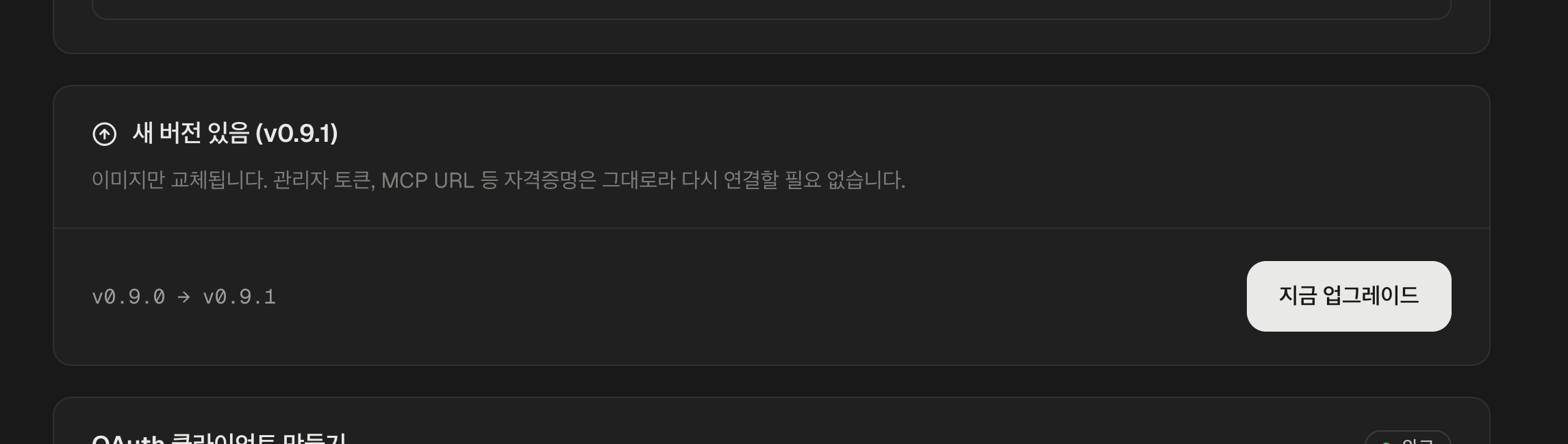
When a new version is out, a banner appears on the installer. It is one button.
A banner announcing a new version, with an upgrade button and the version it is moving from and to
Press Upgrade now. It takes about a minute, and the banner goes when it is done.

Nothing has to be redone

Only the inside of the hub changes.
  • The admin token stays the same
  • The MCP address stays the same, so Claude, ChatGPT and anything else stay connected
  • Your Google accounts stay connected, with no second trip through Google’s consent screens
  • Your OAuth client is untouched
This is not the same as stopping and deploying again, which reissues the admin token and makes every client reconnect. If you only want a newer version, use this button. Stopping the hub covers the difference.

Nothing updates on its own

A new version sits there until you press the button. Nothing is pushed to you. Which also means that if you never press it, you stay where you are. What each version changed is in the release notes.

If there is no banner

You are on the newest version already. The banner only appears when something newer than yours exists. The version you are running is on the About page of the hub’s admin screen. A hub installed before version tracking existed may not show the banner even when there is something newer. Write to us at hub.magicmealkits.com and we will move it.

Next